From Idea to Deployed Discord Bot with an AI Agent
I've had plenty of ideas for small tools, but they never seemed worth the effort. Learning to build a Discord bot was never a priority.
An AI agent changed that.
Now I can turn simple ideas into deployed tools with minimal effort. This is the story of how I built one. A Discord bot I use every day, guided by an agent. It saves me a few clicks
The Initial Idea: A URL Archiver
My idea was simple: a bot to watch a Discord channel. When a URL was posted, it would fetch the content and upload it to an S3 bucket. This would let me save images without my usual tedious routine of manual uploads. I gave the agent a lazy, confusing prompt:
"I am going to create discord bots or things that help discord. The first, is I want one where I can have it watch a channel for URLs. If a URL is put into the chat it will upload that to S3 bucket with a unique hash."
I know. But zero effort was the goal.
The agent told me what it needed: my S3 bucket name, AWS credentials, and a Discord bot token. It explained where to find everything, what permissions to set, and what to click to get the right credentials. Then it built the project, set up the dependencies, and did the installations.
Deployment and a Pivot to Images
With the code written, I needed to deploy. I asked the agent:
"How do I actually have this deployed on railway or something so it just works?"
It laid out the steps for Railway, giving me two options: connect my GitHub repo or use the CLI.
But once the bot was live, I saw my mistake. Archiving entire websites was a mess. A bot that only saved images would be simpler and far more useful.
Because the first version cost me almost no time, the pivot was easy.
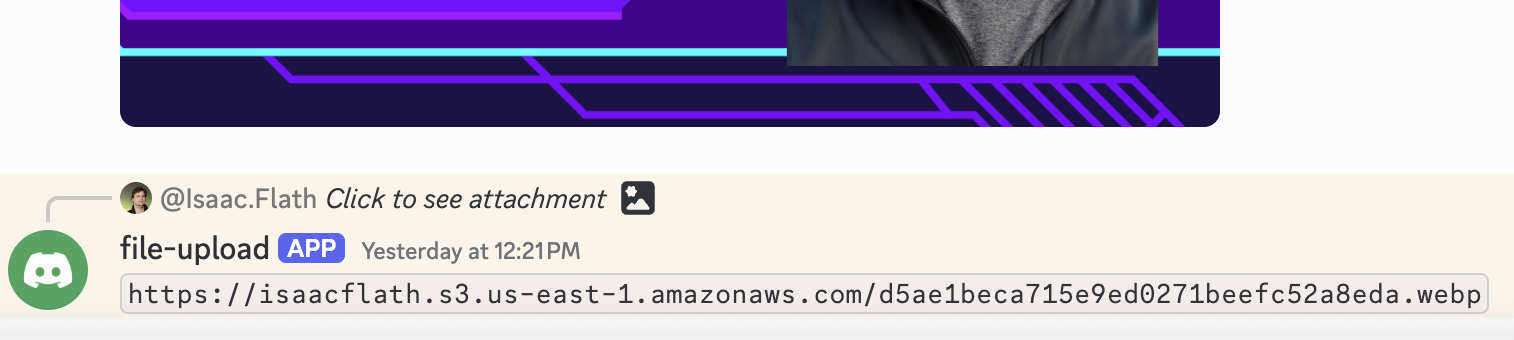
"Lets fix the bot. What it should do is whenever an image is shared in the channel, it should upload that to the specified s3 bucket...then reply with the link to the s3 file..."
The agent did it. I pushed the code, and the new bot was up and running.
Debugging: When the Bot Went Silent
A week later, the bot stopped working. I returned to the agent and described the problem.
"My Discord bot is no longer working. I put an image in and it's not responding. I checked the railway server logs, didn't seem to be anything there."
"Is the bot actually in the server?"
I felt a bit foolish, but the agent didn't judge. It just provided the OAuth2 URL to re-invite the bot to my server. 0 brainpower needed and about 30 seconds to fix. That was about a month ago, and it's worked fine since.
The New Division of Labor
The barrier to building small, custom tools has vanished. I wouldn't sell this bot, but it's perfect for me. And it saves me time.
My job was to have the idea, give feedback, and act as the hands (pasting a token, checking a setting). The agent's job was to do the rest: the boilerplate, the coding, the debugging. It was the expert, finding problems and telling me where to click.
I probably could have done this without AI in a few hours. And after doing it once I could do it manually much faster after.
But why? I'd rather spend that time on more interesting problems.