How I Use My AI Session History
I forget why I build things.
Decisions and dead ends live in my head for a week. Then they vanish, buried in Slack threads or lost in vague Git commits.
Six months later, new developers ask the same questions I do.
- Why did we build it this way?
- Did we consider other options?
- What were the trade-offs?
I dig through Git history and guess.
SpecStory saves and indexes my AI conversations by project. My daily Claude sessions become a searchable history.
Three Ways I Query My History
I use it daily for retrieval, not storage.
-
Browse. I drill into specific sessions. Conversations collapse for a quick scan.
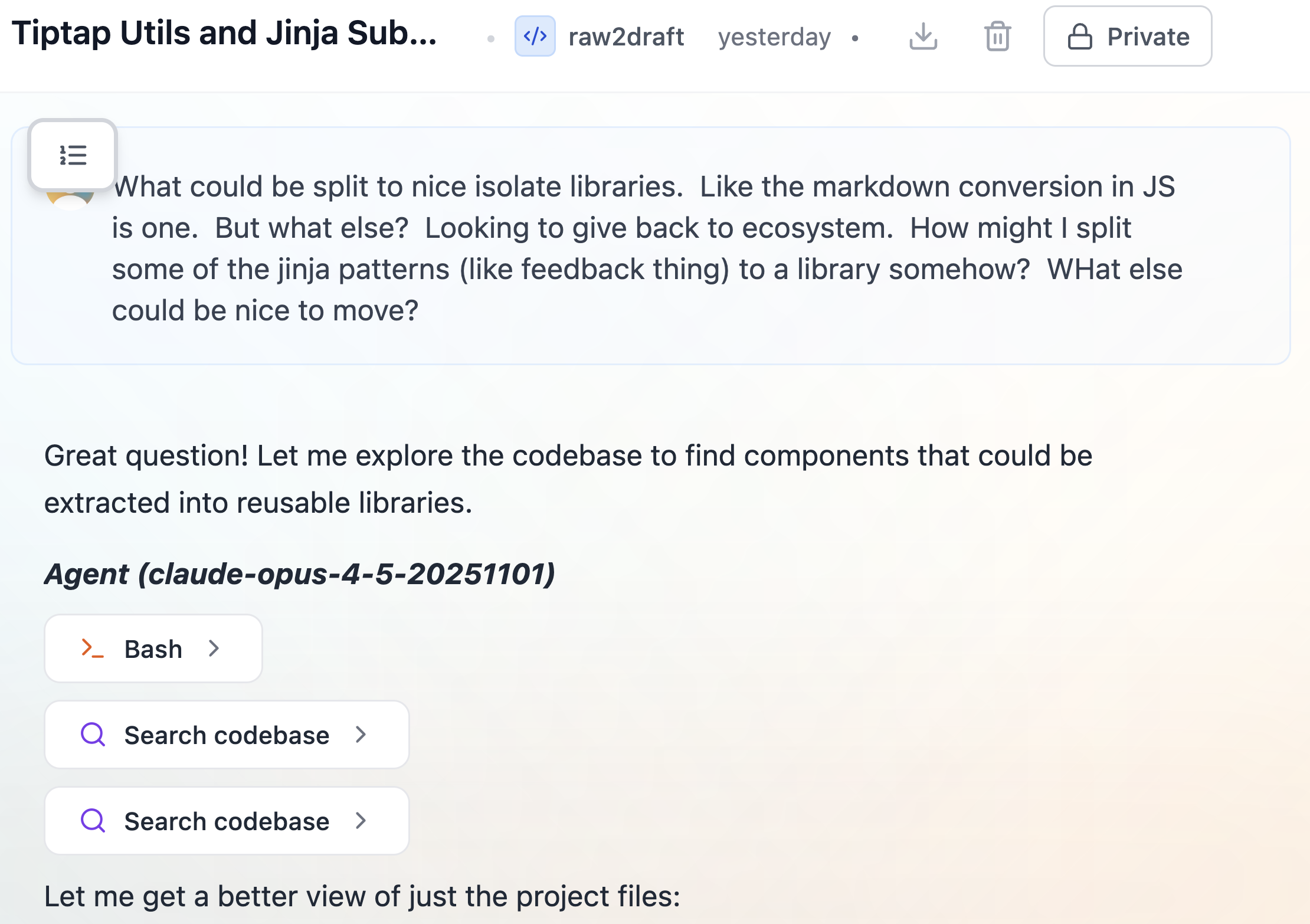
-
Search. I find mentions of a library or bug. Here I search for "TipTap."
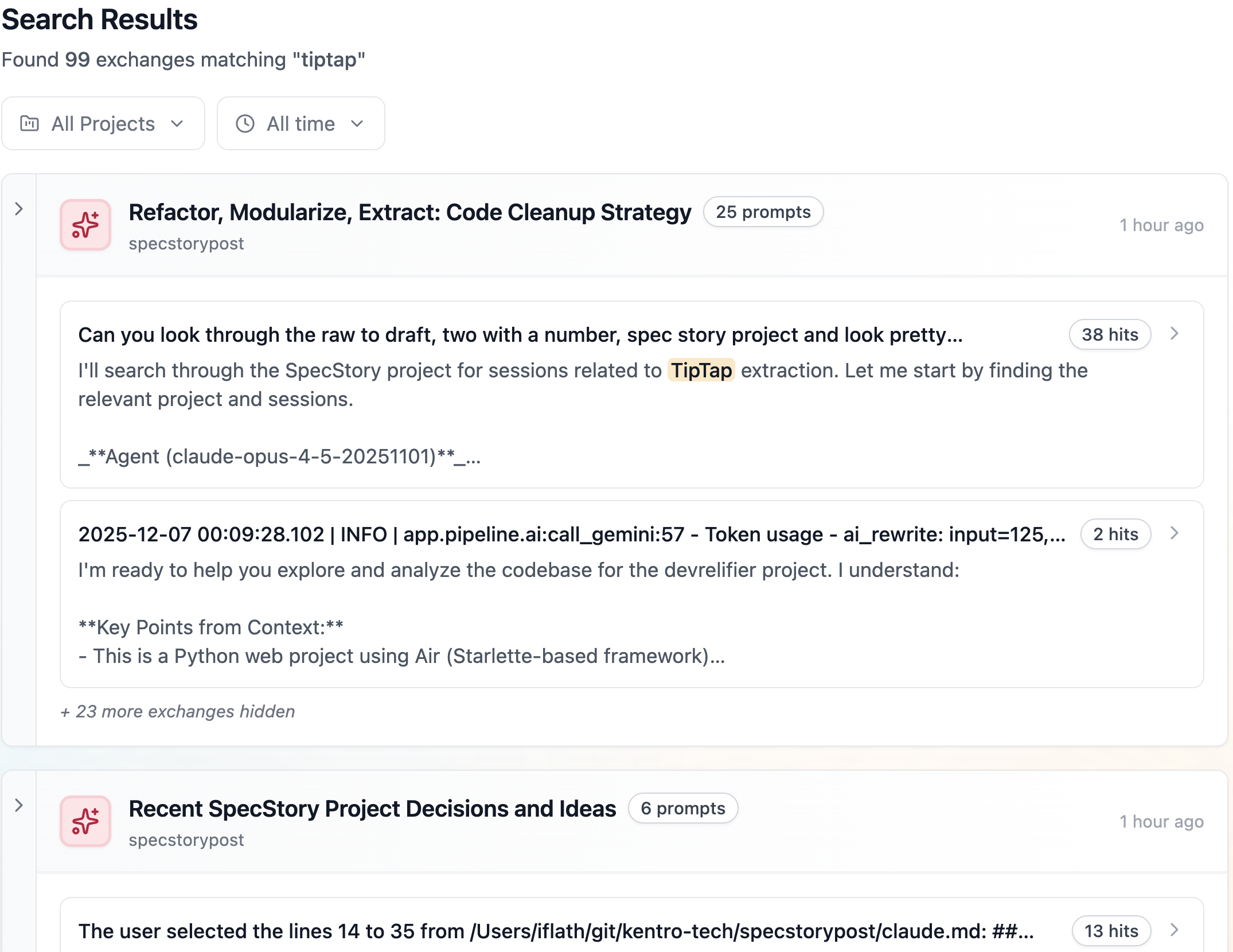
-
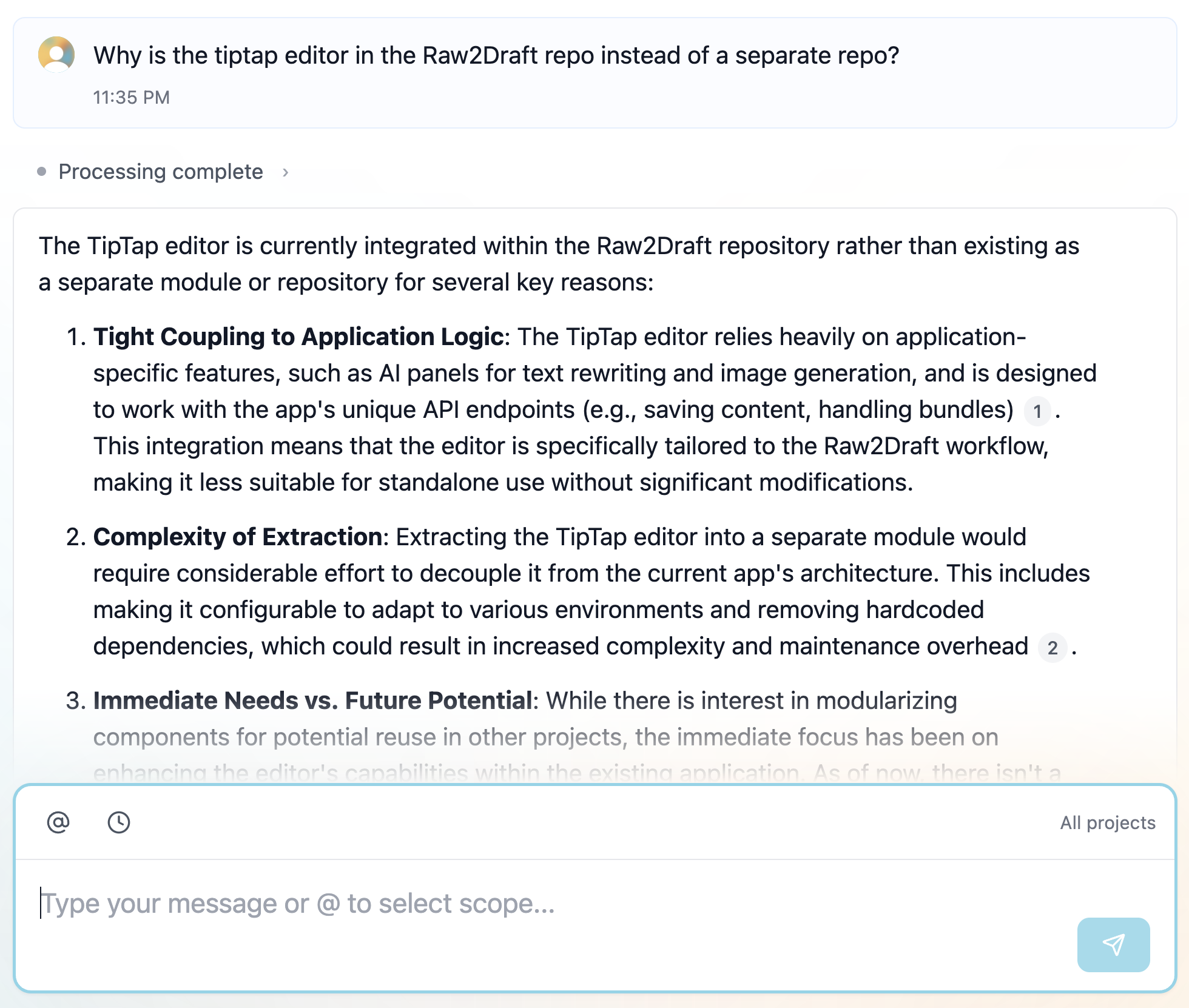
Ask "Why". This is what matters. I chat with my entire project history to understand my decisions.
The "Why" Behind the Code
A local agent, Claude Code, accesses SpecStory for me.
One of our apps embeds a React editor (TipTap) inside a Python/HTMX app. It’s messy. A new developer asks what I'll ask in six months.
"Why is this React component in the main repo? Why wasn't it extracted into its own module?"
Code shows what. It rarely shows why.
My agent can search SpecStory, so I asked it.
"Why is the TipTap editor in the repo instead of its own module?"
The agent searched old sessions and found context I had forgotten.
- The editor relies on app-specific APIs.
- Extracting it would be too costly.
- We are waiting for TipTap V3 to refactor.
- The current "React island" works well enough.
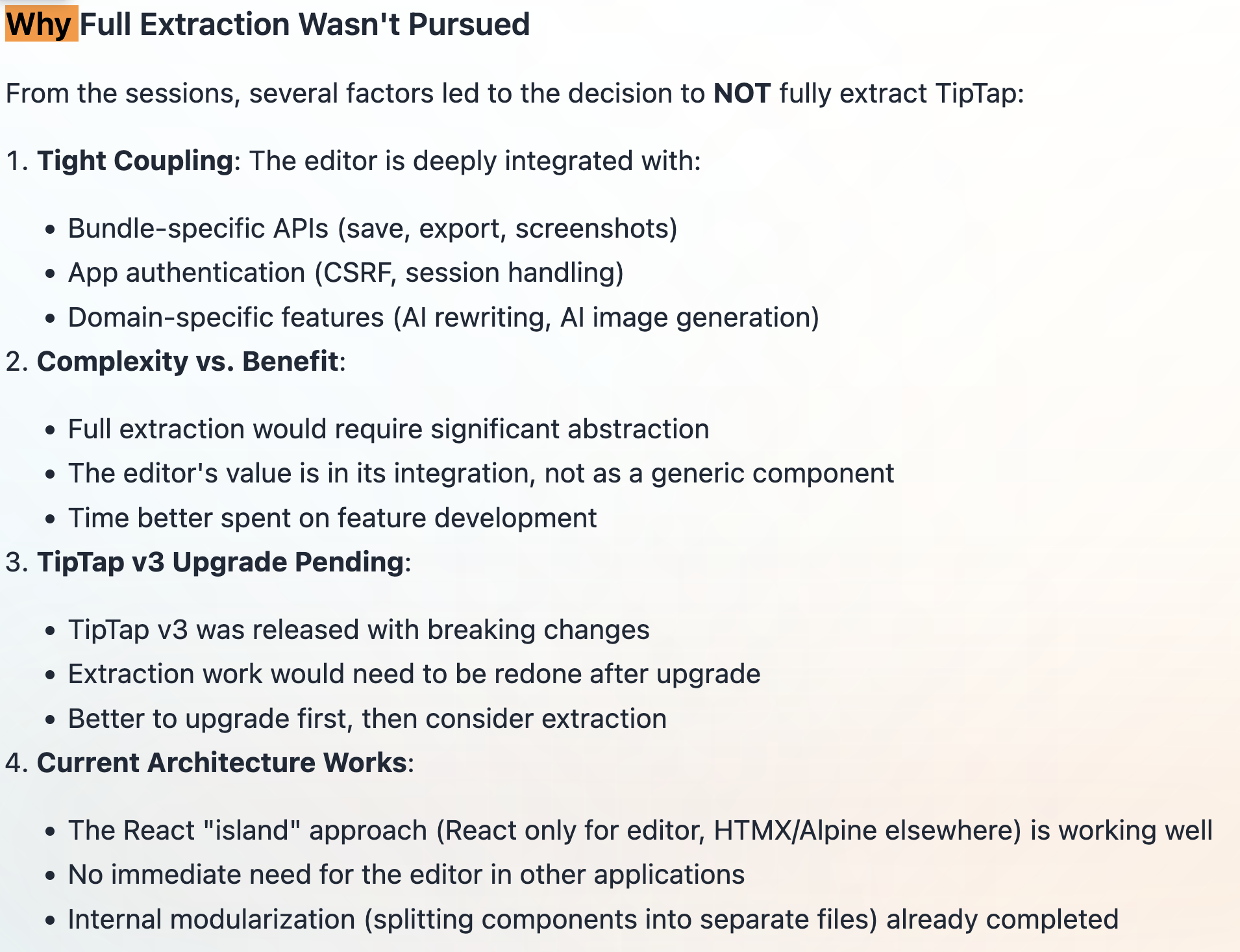
It also showed what we did instead. We refactored the monolithic file in place.
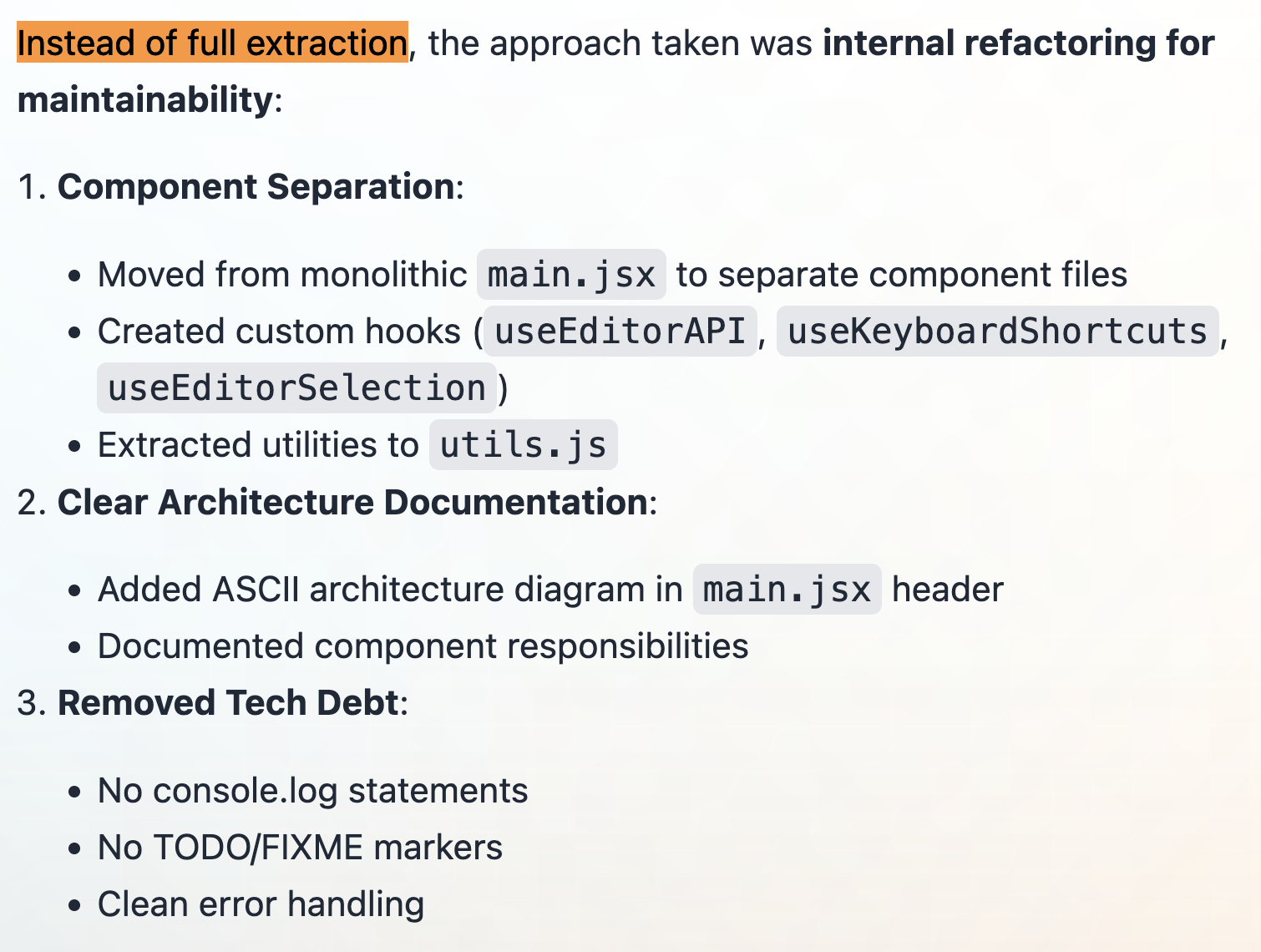
I learned four things not found in the Git history.
- We seriously considered extraction.
- We deliberately chose to keep it coupled.
- This part of the codebase is fragile.
- We planned a future migration to TipTap V3.
This is institutional memory.
Turning Insight into Action
The analysis found a missed opportunity. We could extract the Markdown converter.
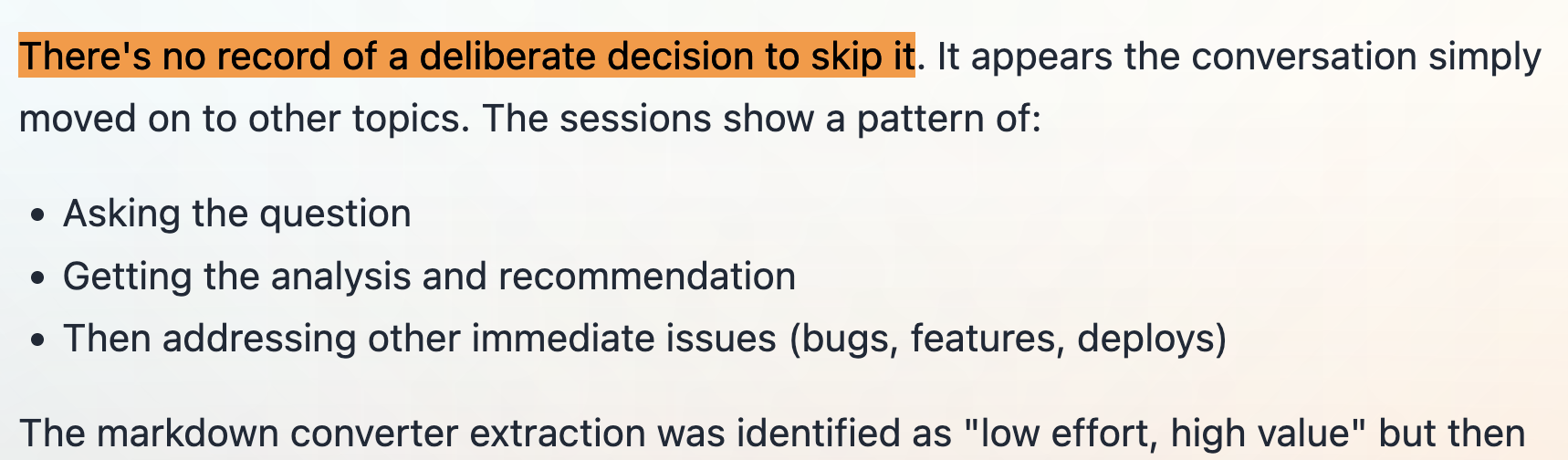
My agent had flagged this component for extraction, but the conversation moved on.
I wanted to propose this to my team. I asked the agent to summarize the pros, cons, and reasoning. It produced a one-page summary.
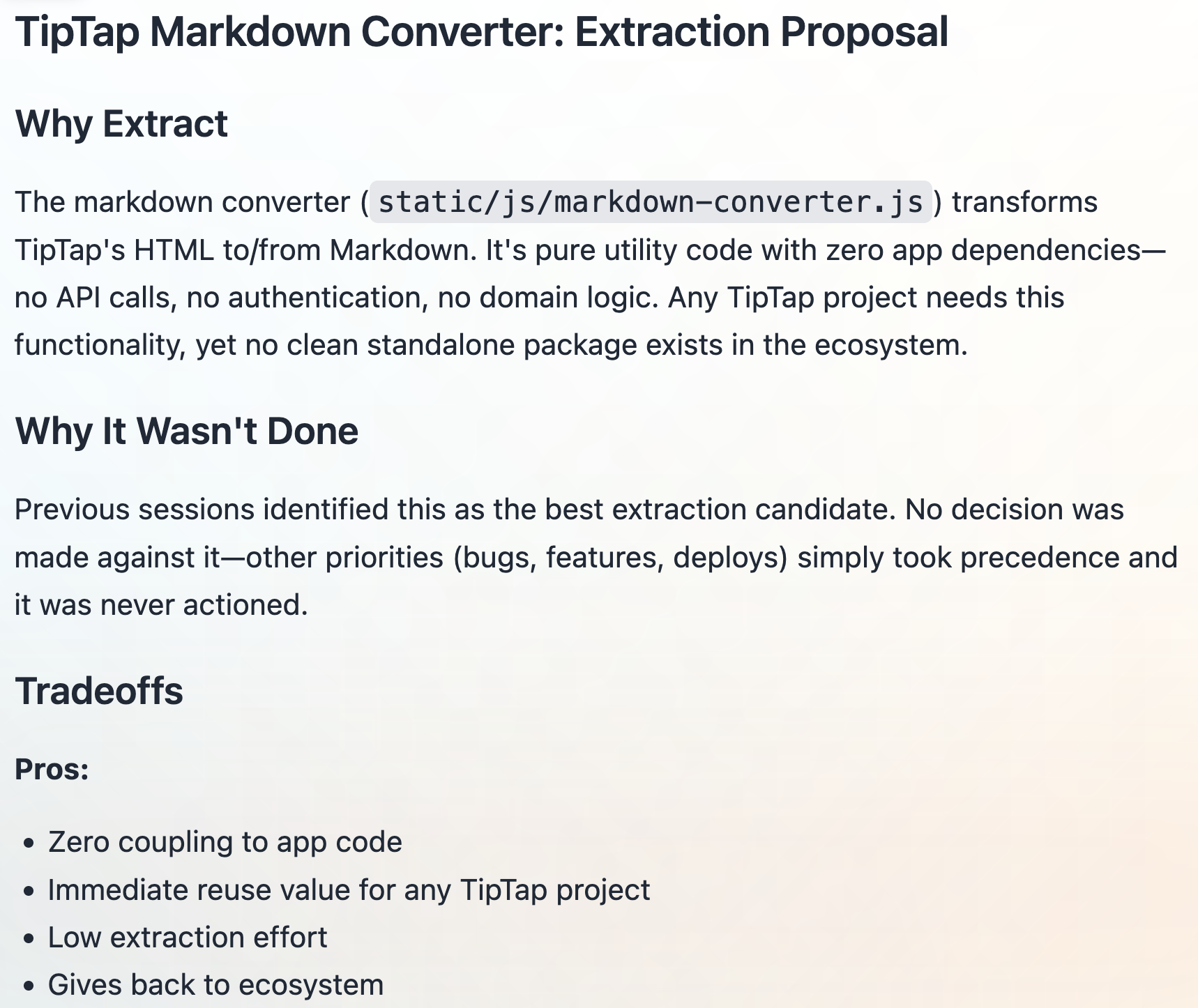
- What: A utility to convert TipTap HTML to Markdown.
- Why: Identified as valuable but skipped for other priorities.
- Pros: Zero coupling, high reuse, low effort.
- Cons: Minimal maintenance for a separate package.
- Plan: A clear three-step execution strategy.
It turned a vague question into a clear decision.
How It Works
I built this workflow with the SpecStory API and a local agent. My agent queries my project history using custom tools.
The setup is simple.
- CLI Tools. Scripts call
list_projects,list_sessions, andget_sessionfrom the SpecStory API. - Agent Instructions. A
CLAUDE.mdfile teaches the agent to use these tools.
The agent fetches context on its own. It scans project history, filters sessions, and reads transcripts to answer my questions.
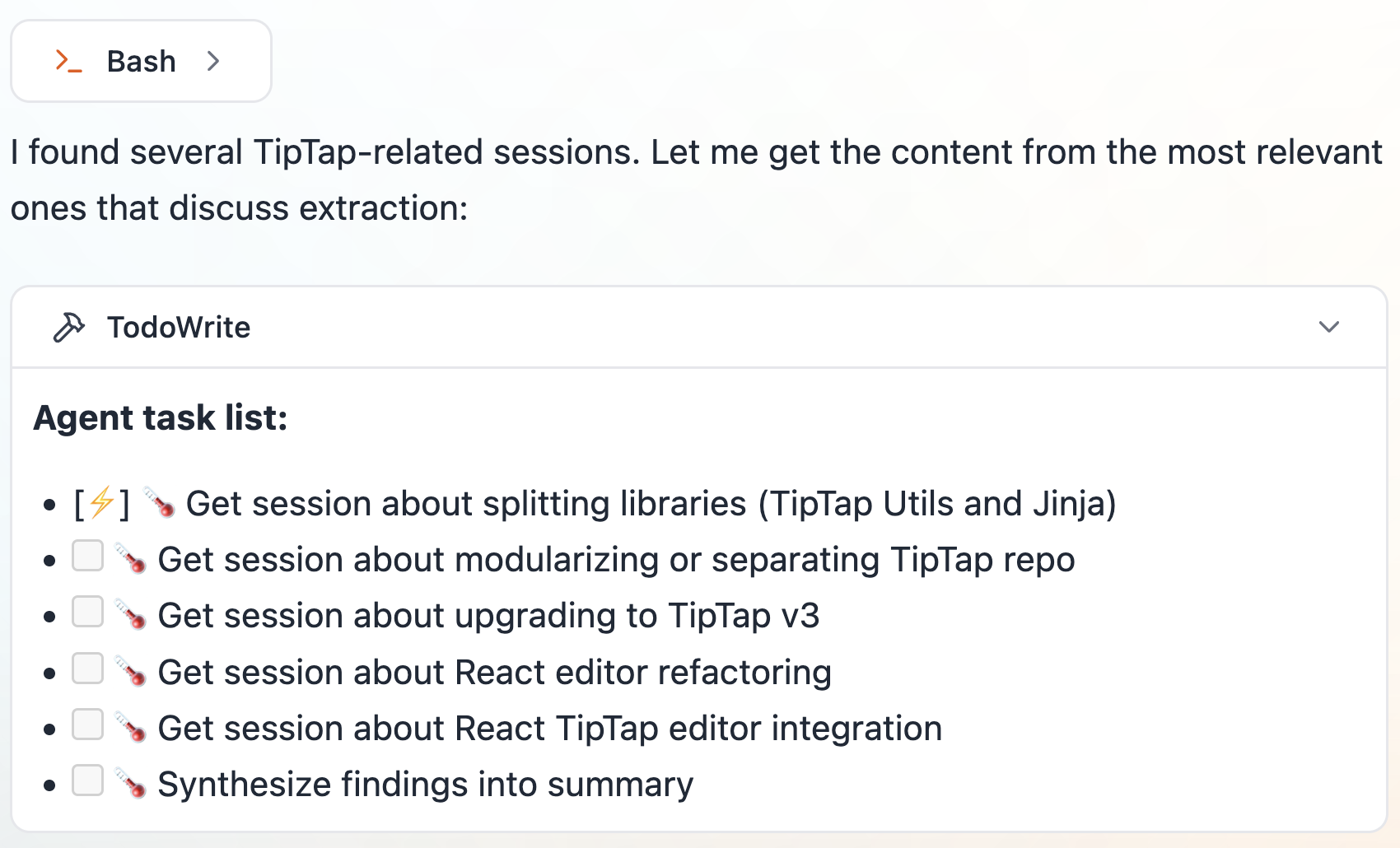
To start, install the SpecStory CLI. Run your agent with specstory run for automatic syncing, or sync manually with specstory sync. Conversations save locally and to the cloud.
Beyond Code
I use SpecStory for more than code. I use it to share my work.
"Look through the features we shipped this week and write a blog post about them."
SpecStory captures the reasoning behind each feature. Nobody cares what you did. They care why it matters.
I get better drafts faster because the "why" is already saved.